
Download Images in Media
Learn how to download images from the Media library in your Panoee project.
Download Images in Media
Learn how to download images from the Media library in your Panoee project.
Steps
-
Go to the Media tab — Open your project and navigate to the Media tab from the main menu.

-
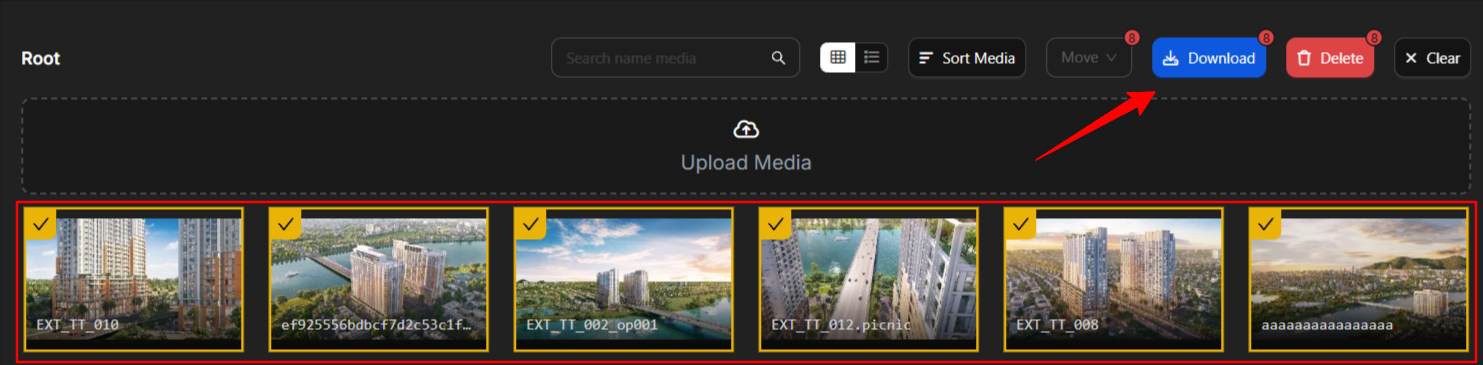
Select and download — Select the images you want to save to your device. Hold Shift to select multiple images, then click Download.
Notes
-
Downloaded images are saved in their original resolution.
-
Use Shift+click to select multiple images at once for batch download.