
Login
This tutorial shows how to log in to Panoee Studio and access your virtual tour project dashboard.
Steps
-
Open the Panoee Login Page
Go to https://studio.panoee.net/account/auth, enter your account email and password, then click Login.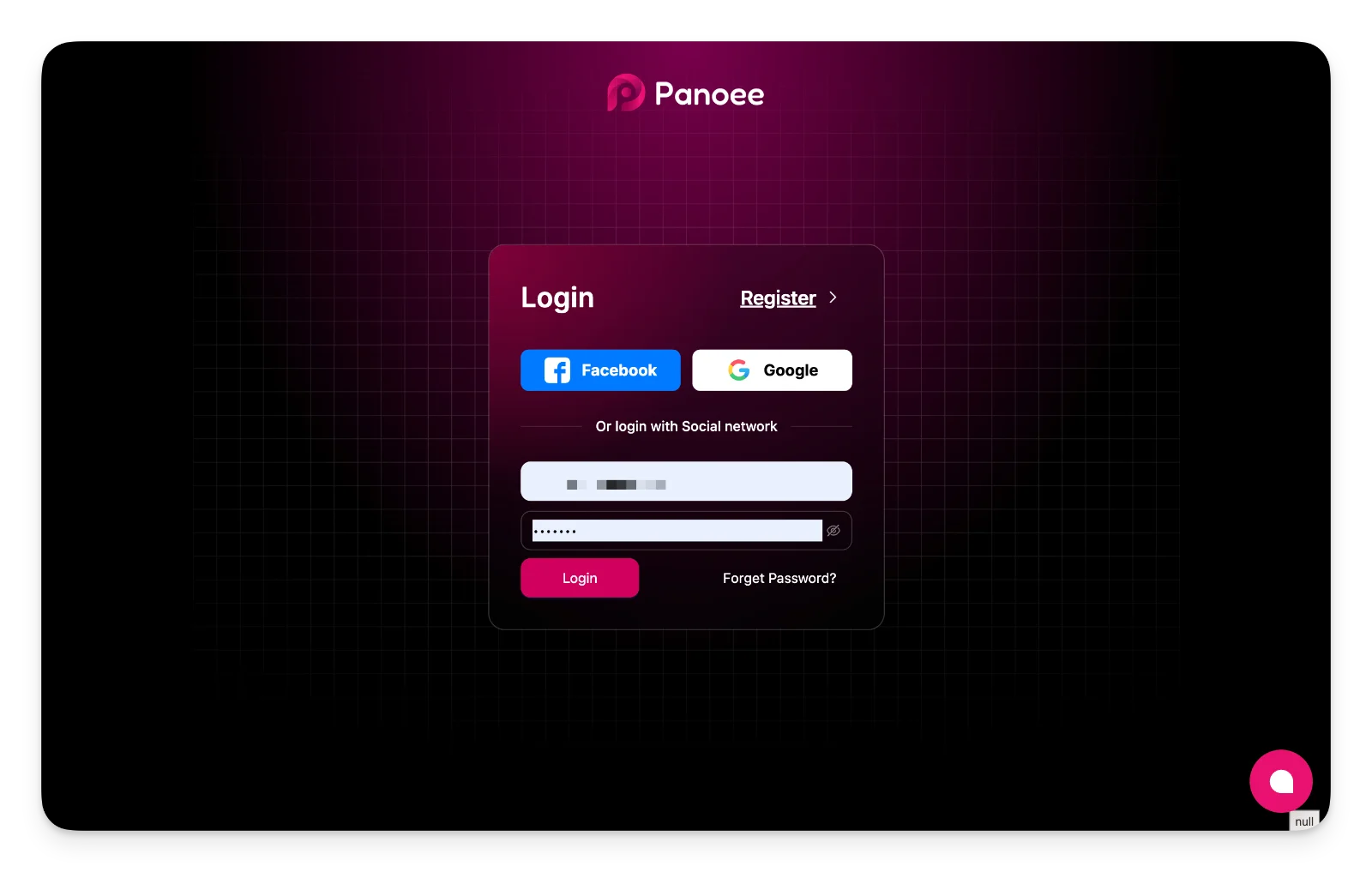
-
Confirm Successful Login
After login, Panoee redirects you to https://studio.panoee.net/dashboard/projects, where you can view and manage your projects.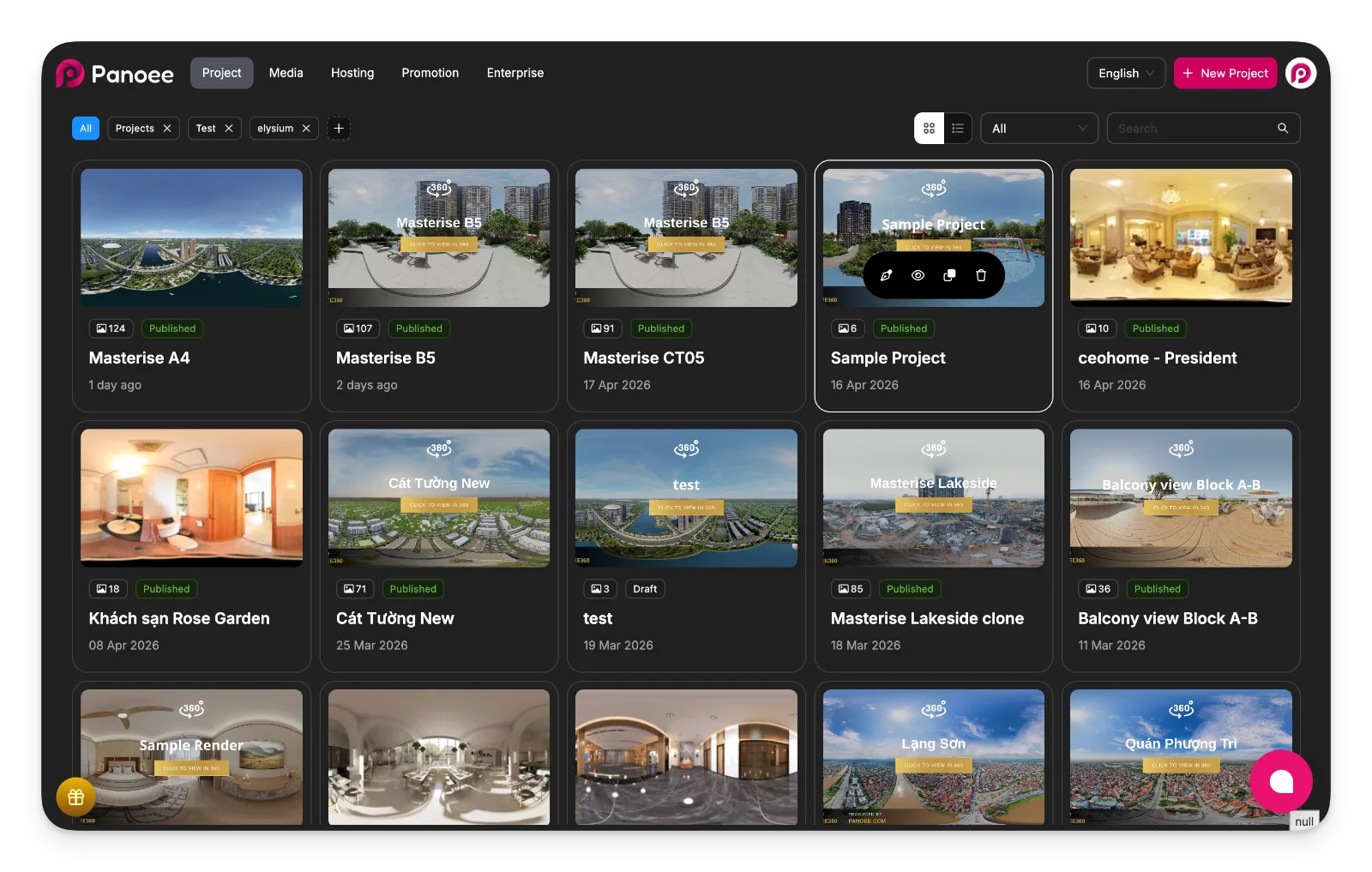
Notes
-
You can also log in with Facebook or Google if your account is connected to those services.
-
Use Forget Password? if you cannot access your account.