
Register
This guide walks you through the complete process of creating a Panoee account, verifying your email, and accessing the dashboard to start building virtual tours.
Video Tutorial
Steps
-
Open the Login Page
Go to the Panoee authentication page https://studio.panoee.net/account/auth to begin the process. From here, you can either log in or navigate to registration.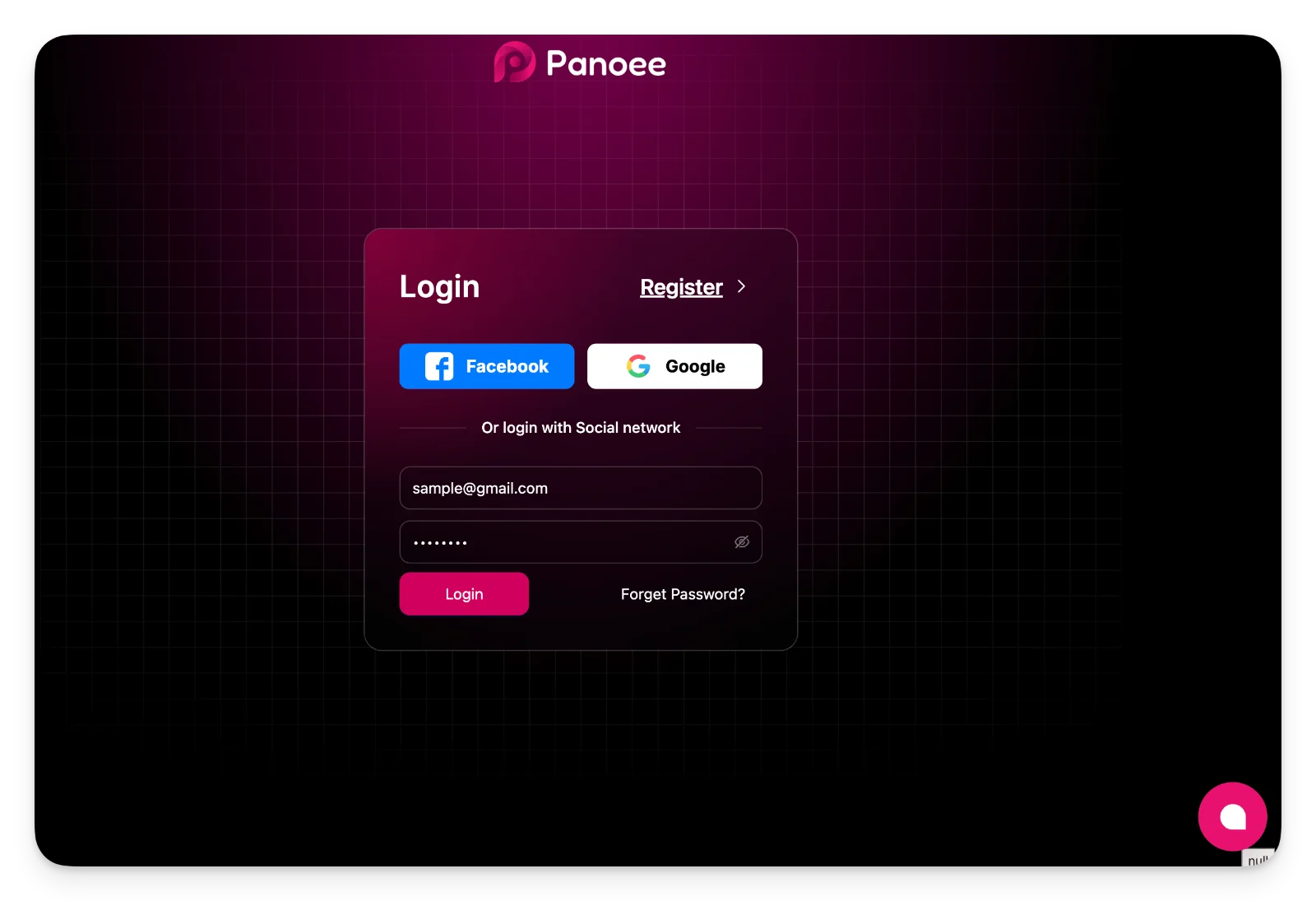
-
Navigate to the Registration Form
Click Register to open the account creation form where you can enter your details or use a social login option.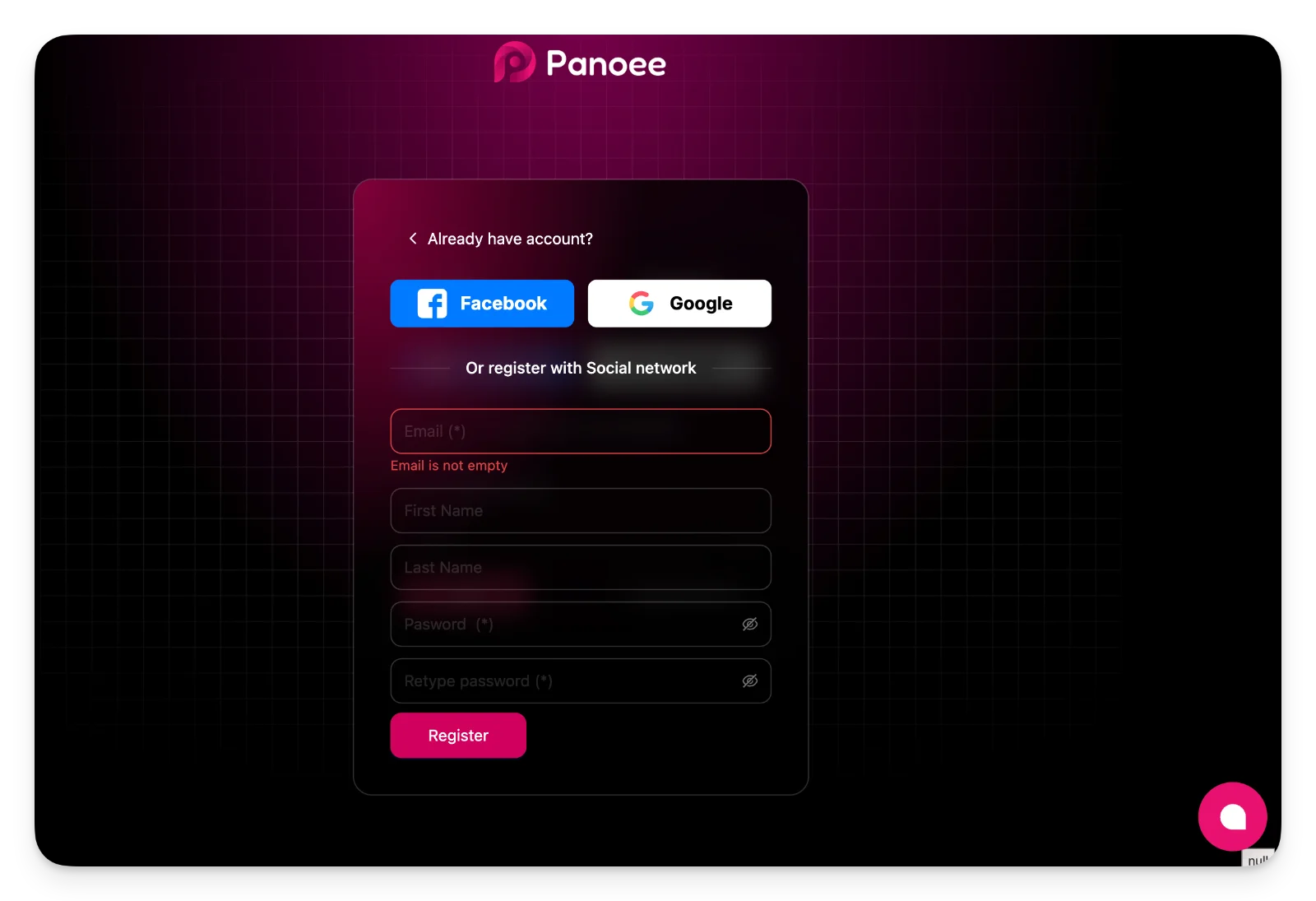
-
Complete Registration Form
Fill in the required fields and submit the form to create your account.Field
Description
Required
Email
Your valid email address
Yes
First Name
Your given name
No
Last Name
Your family name
No
Password
Create a secure password
Yes
Retype Password
Confirm your password
Yes
Click Register to proceed.
-
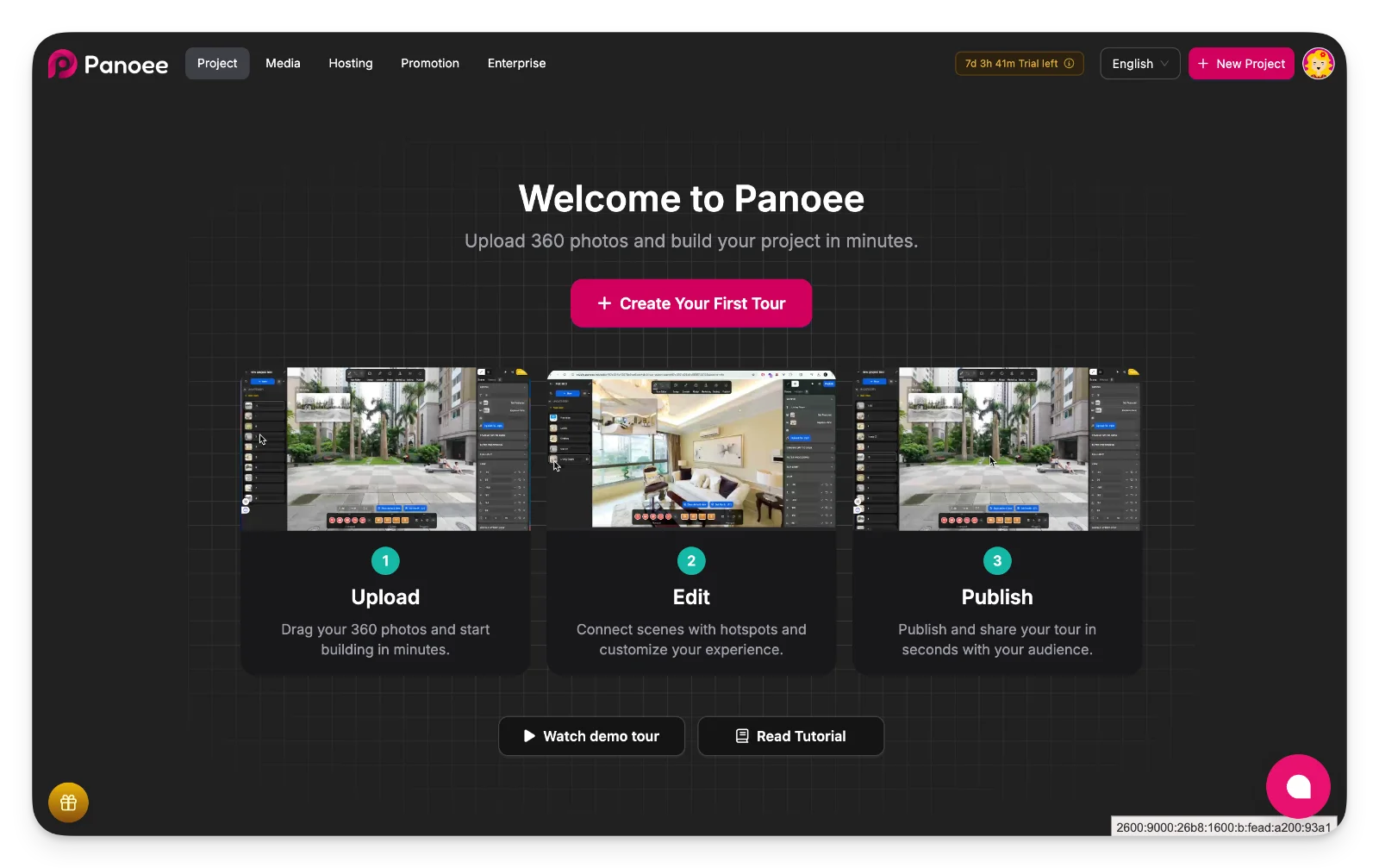
Activate Account and Access Dashboard
Check your email inbox and click the activation link to verify your account. Once activated, you will be redirected to the Panoee dashboard where you can start creating your first virtual tour.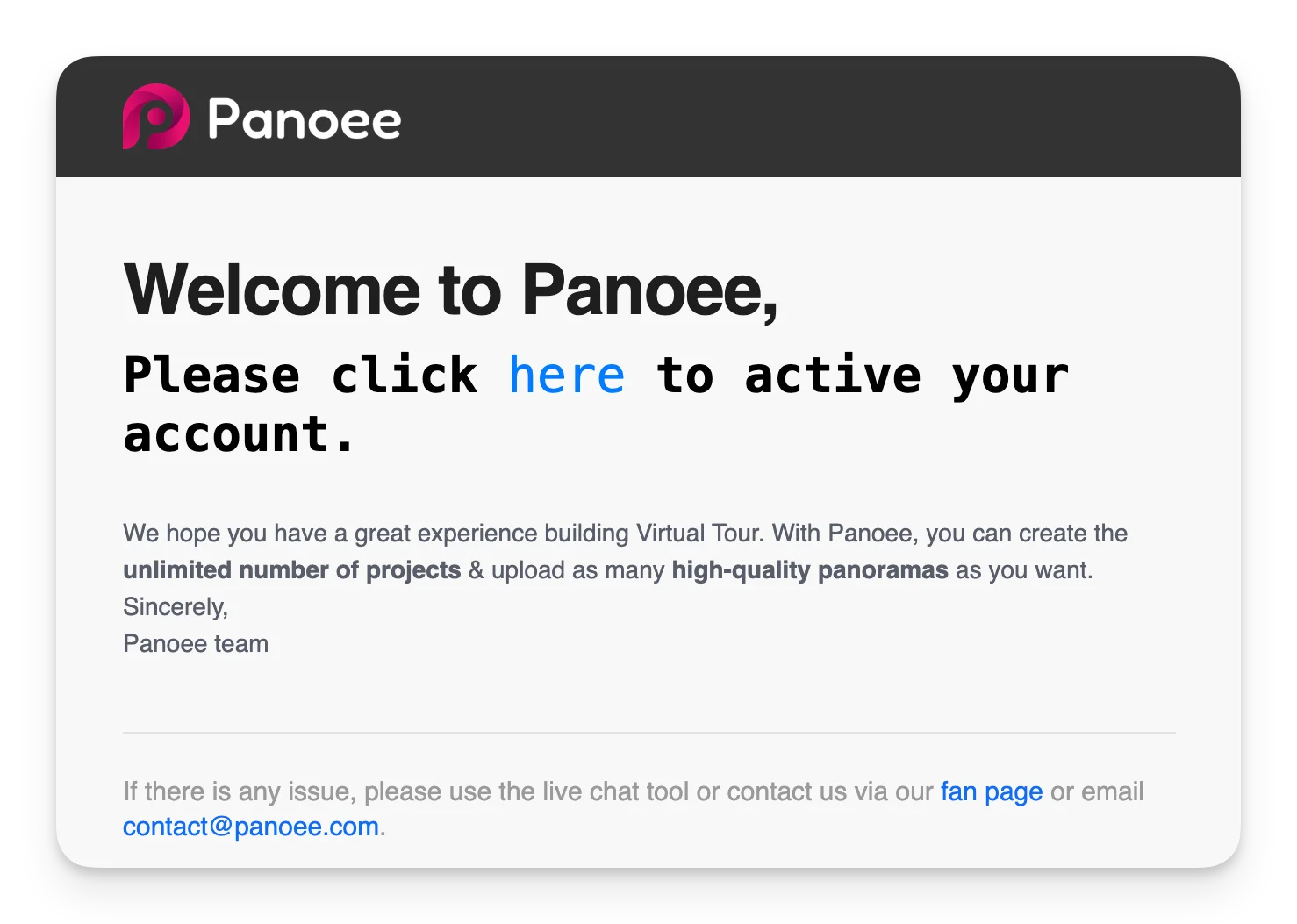
Notes
-
You can also register using Facebook or Google for faster access.
-
Make sure to check your spam folder if you do not receive the activation email.
-
Account activation is required before accessing the dashboard.