
Reset password
Follow these quick steps to recover your Panoee account password from the login page.
Steps
-
Click “Forgot Password”
On the login page, select Forgot Password or go to https://studio.panoee.net/account/forgot-password -
Enter Your Email
Input your account email and submit to receive the reset link.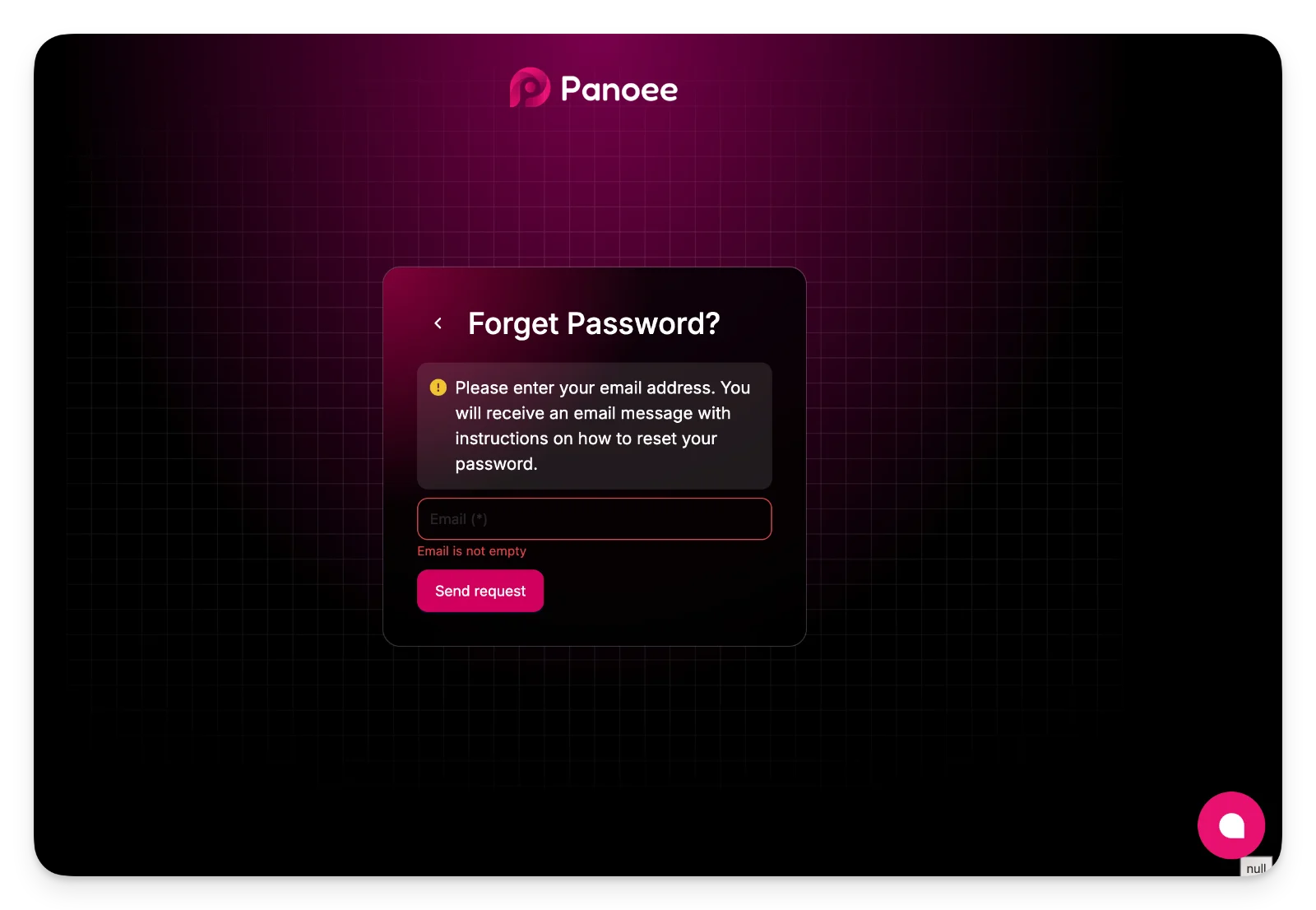
-
Open Email & Click Link
Check your inbox and click the password recovery link. -
Set New Password
Enter and confirm your new password, then submit. -
Log In Again
Return to the login page and sign in with your new password.
Notes
-
Check spam if you don’t see the email.
-
The reset link may expire after some time.