
Delete Images in Media
Delete Images in Media
Learn how to delete unwanted images from the Media library in your Panoee project.
Steps
-
Go to the Media tab — Open your project and navigate to the Media tab from the main menu.

-
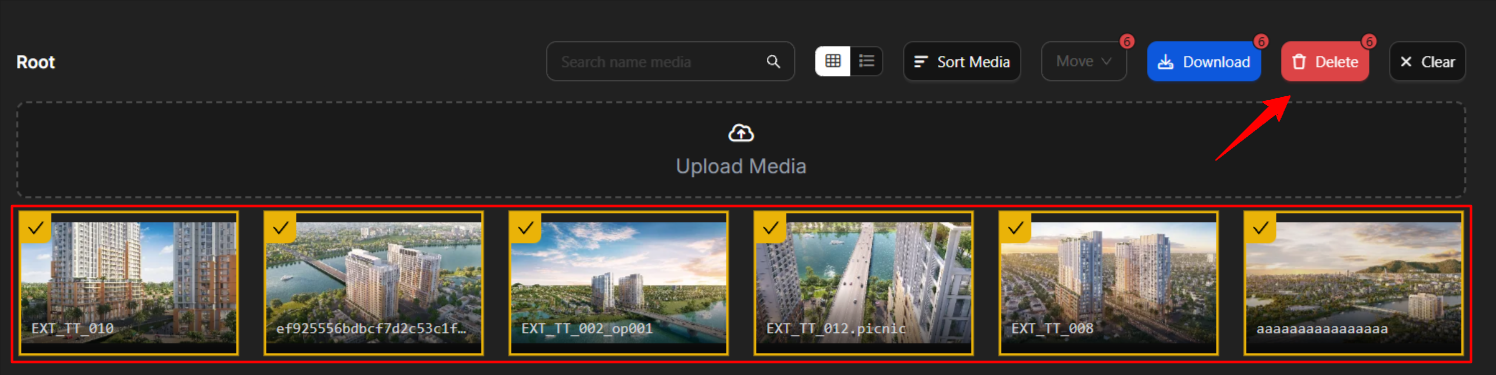
Select and delete — Select the images you want to remove. Hold Shift to select multiple images, then click Delete.
Notes
-
Deleted images cannot be recovered. Make sure you have backups before deleting.
-
Use Shift+click to select multiple images at once for batch deletion.